


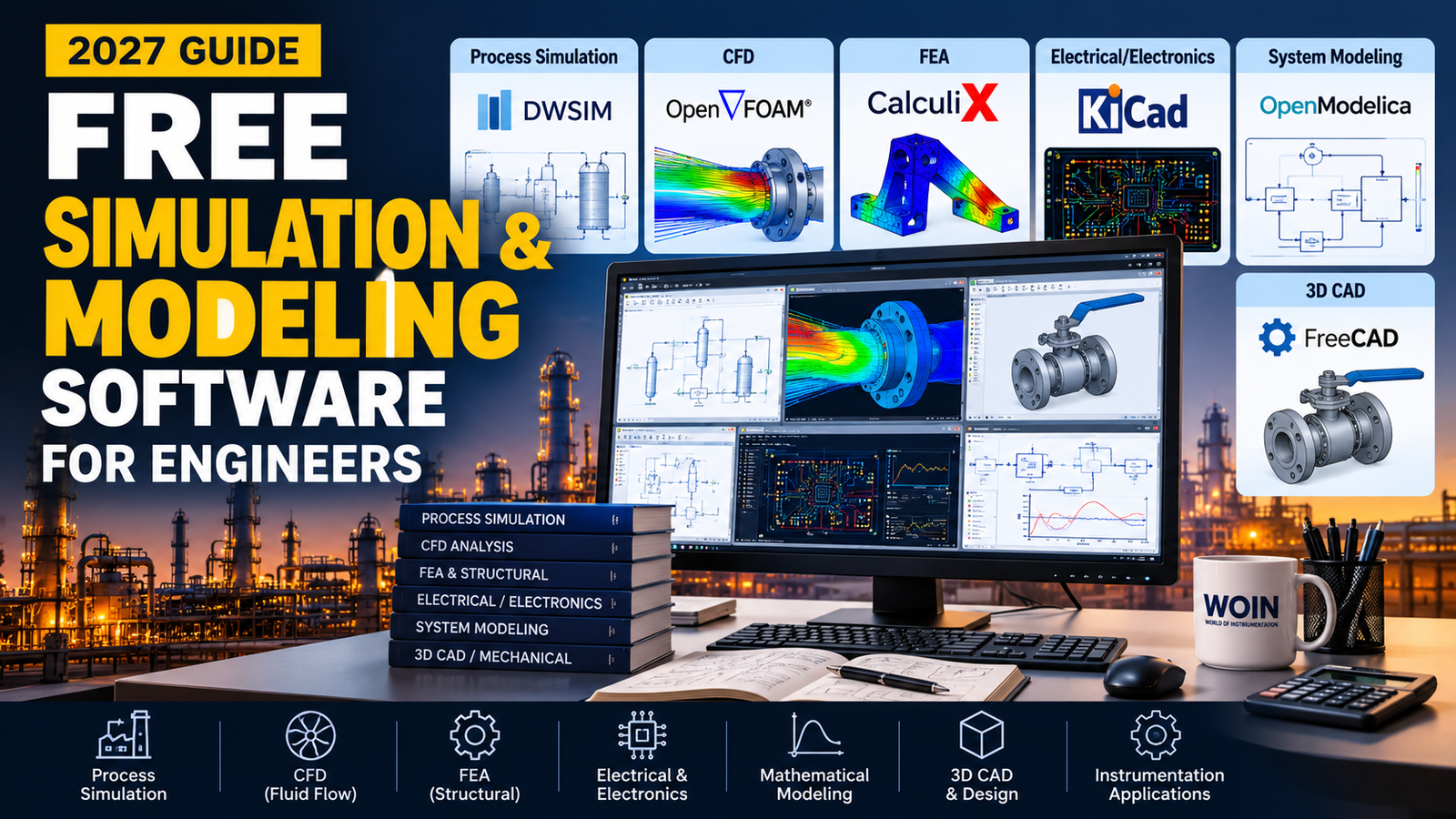
WOIN GUIDE ENGINEERING SOFTWARE / 2027
A practical guide to choosing free and open-source tools for process simulation, dynamic systems, CFD, finite element analysis, electronics, and engineering calculations.
Engineering simulation is no longer limited to companies with expensive software budgets. Students, independent engineers, researchers, startups, and engineering teams can access capable tools for mathematical modeling, process flowsheets, circuit analysis, fluid flow, 3D design, and structural calculations.
This updated WOIN guide moves beyond a basic download list. It explains what each tool is best at, who should consider it, and where its limitations matter—so you can choose software based on the engineering problem rather than the number of features on a product page.
This is a 2027-focused guide prepared using official software pages checked on 21 October 2026. Software versions, download links, supported operating systems, and license terms can change. Confirm the latest details on the official website before installing or using a tool on a project.
Quick shortlist: which engineering software should you try first?
DWSIM
Build chemical-process flowsheets and explore thermodynamics, unit operations, and process conditions.
OpenModelica
Model dynamic, multi-domain systems and investigate how components interact over time.
Scilab + Xcos
Perform engineering calculations, numerical analysis, plotting, and block-diagram simulation.
OpenFOAM
Run computational fluid dynamics studies involving flow, heat transfer, turbulence, and related physics.
FreeCAD
Create parametric 3D models and prepare engineering geometry for drawings and selected analysis workflows.
KiCad
Design electronic schematics and PCBs, run electrical-rule checks, and use its integrated SPICE simulator.
Compare free simulation and modeling software
Use this table to narrow the list before downloading. “Open source” means the source code is available under a license; it does not mean every use, redistribution, or software integration is automatically unrestricted.
| Software | Engineering area | Typical use | Access model | Learning curve |
|---|---|---|---|---|
| DWSIM | Chemical / process | Flowsheets, thermodynamics, unit operations | Open source | Medium |
| OpenModelica | Systems / controls | Dynamic and multi-domain models | Open source | Medium–high |
| Scilab + Xcos | Math / control | Numerical computation, plots, block diagrams | Open source | Low–medium |
| GNU Octave | Math / data | Numerical methods, scripts, plotting | Open source | Medium |
| OpenFOAM | CFD | Fluid flow, turbulence, heat transfer | Open source | High |
| FreeCAD | CAD / selected FEA workflows | Parametric 3D parts, drawings, geometry preparation | Open source | Low–medium |
| SALOME | CAE preparation | Geometry, meshing, visualization, simulation workflow support | Open source | Medium–high |
| Gmsh | Meshing | Finite-element mesh generation and post-processing | Open source | Medium–high |
| CalculiX | Structural / thermal FEA | Linear and nonlinear finite-element analysis | Free software | High |
| Elmer FEM | Multiphysics | Structural, fluid, thermal, electromagnetic problems | Open source | High |
| KiCad | Electronics | Schematics, PCB layout, electrical checks, SPICE | Open source | Low–medium |
| eSim | Electronics | Electronic circuit design and simulation | Open source | Low–medium |
| Qucs-S | Circuit simulation | Graphical circuit design with SPICE-compatible engines | Open source | Medium |
| SimScale Community | Cloud CAE | Selected browser-based CFD and FEA learning studies | Free tier | Low–medium |
Learning curve is a practical estimate for a new user, not a formal rating. Simulation scope depends on installed components, solver support, model size, and user expertise.
1. DWSIM — free chemical process simulation software
DWSIM is a free, open-source chemical process simulator used to model process flowsheets with thermodynamic calculations and unit-operation models. It is relevant to chemical engineering students, process engineers, and anyone learning how streams, equipment, and operating conditions interact in a process model.
What can you model with DWSIM?
- Material and energy balances for a simulated process flowsheet.
- Process streams and supported unit operations.
- Thermodynamic property methods and phase-equilibrium calculations.
- What-if studies for selected operating conditions and process alternatives.
Why it matters for instrumentation and control
A process simulator can help an instrumentation engineer understand process variables, equipment behavior, and how operating conditions influence measurement and control requirements. It is a learning and analysis aid—not a substitute for the approved process design basis, vendor data, or project calculations.
Students and engineers beginning with process flowsheets, thermodynamics, and process-system studies. Confirm model assumptions, component data, and the limitations of the selected thermodynamic method before trusting results.
2. OpenModelica — dynamic system and multi-domain modeling
Official website: OpenModelica
OpenModelica is an open-source Modelica-based modeling and simulation environment intended for academic and industrial use. It is a strong choice when the problem is dynamic: variables change with time and components interact through physical or mathematical relationships.
Where can it help?
- Dynamic models of interconnected systems.
- Testing how a system responds to changing inputs or disturbances.
- Learning multi-domain modeling across supported physical domains.
- Exploring system-level behavior before building or modifying a physical prototype.
For an instrumentation and control engineer, this type of tool can support learning around process dynamics, actuator and sensor behavior, control-system concepts, and time-dependent response. The specific library and model equations determine what can be represented accurately.
OpenModelica is more than a drag-and-drop simulator: understanding model structure, equations, units, initial conditions, and numerical solvers is important for reliable results. Use the official documentation and example models as a starting point.
3. Scilab and Xcos — engineering calculations and block-diagram simulation
Scilab is free and open-source numerical-computation software. It includes mathematical functions, numerical methods, data analysis, and plotting tools. Xcos, its graphical modeling environment, can be used to build and simulate hybrid dynamic systems using interconnected blocks.
Typical engineering applications
- Solving equations and processing engineering data.
- Plotting responses and comparing calculated cases.
- Exploring control-system concepts and dynamic models in Xcos.
- Automating repetitive calculations with scripts.
Scilab is a useful candidate for engineers who want a combination of scripting and visual modeling without starting with a proprietary numerical-computing license. It is not a perfect drop-in replacement for every MATLAB or Simulink workflow; toolbox, syntax, and model compatibility should be checked.
4. GNU Octave — numerical methods, scripts, and plots
GNU Octave is a free software environment designed mainly for numerical computation. Its language is similar to MATLAB, so many numerical scripts may be portable with changes, but complete compatibility is not guaranteed.
Useful tasks
- Solving linear and nonlinear mathematical problems.
- Working with matrices, numerical integration, and data series.
- Creating 2D and 3D plots to review trends or compare cases.
- Writing reusable scripts for engineering calculations and sensitivity checks.
Choose Octave when calculation transparency and script-based repeatability matter more than a graphical block-diagram workflow. For a graphical dynamic-system environment, compare it with Scilab/Xcos and OpenModelica.
5. OpenFOAM — computational fluid dynamics (CFD)
OpenFOAM is a free and open-source CFD toolkit used for a wide range of fluid-flow and transport problems. Depending on the selected solver and model setup, it can address subjects including turbulence, heat transfer, chemical reaction, compressible flow, and multiphase flow.
Who should consider OpenFOAM?
- Mechanical, chemical, energy, and research engineers with a specific CFD question.
- Users who need to inspect or customize the simulation workflow and have the skills to manage cases.
- Teams willing to invest time in mesh quality, boundary conditions, solver selection, and validation.
OpenFOAM is powerful, but it is not usually the quickest first simulation tool for a complete beginner. Producing a colorful contour plot does not prove that the model is physically valid. Mesh independence, conservation checks, appropriate turbulence or physical models, and comparison with trusted data remain essential.
Do not use CFD results alone to approve a safety-critical design or equipment selection. Define the engineering question, document assumptions, validate the method, and obtain the required independent review.
6. FreeCAD — parametric 3D modeling and geometry preparation
FreeCAD is an open-source parametric 3D modeler. It allows engineers to create and revise dimension-driven models, produce technical drawings, and prepare geometry for downstream workflows. Its available workbenches and connected solver tools can support selected finite-element analysis workflows, depending on the installation and setup.
Potential uses
- Creating 3D models for brackets, fixtures, housings, and mechanical assemblies.
- Preparing or exporting geometry for analysis in supported workflows.
- Generating drawings from parametric models.
- Exploring how design dimensions affect geometry.
FreeCAD is a CAD tool first. For complex structural, thermal, or multiphysics calculations, verify the solver integration, element types, material data, boundary conditions, and validation options available in your workflow.
7. SALOME — geometry, meshing, and simulation workflow preparation
Official website: SALOME Platform
SALOME is an open-source platform used in numerical simulation workflows. Its capabilities include geometry creation or preparation, mesh generation, visualization, and related data-processing tasks. It is most useful when geometry and mesh quality are important parts of a larger simulation process.
Think of SALOME as a workflow and pre/post-processing platform rather than assuming that one installation automatically supplies every solver for every physics problem. Confirm which solver or application is needed for the analysis you plan to run.
8. Gmsh — finite-element mesh generation
Gmsh is an open-source 3D finite-element mesh generator with a built-in CAD engine and post-processing facilities. It is useful for creating and refining meshes that can be passed to compatible analysis solvers. It supports graphical, script-based, and API-driven workflows.
When is Gmsh the right choice?
- You need control over geometry and mesh generation.
- You are connecting a mesh workflow to a compatible external solver.
- You want repeatable mesh generation through scripts or parameterized geometry.
Gmsh is primarily a meshing and pre/post-processing component; it should not be confused with a complete all-physics simulation suite. Check solver compatibility, mesh formats, element types, and license requirements before integrating it into a commercial software product.
9. CalculiX — structural and thermal finite-element analysis
CalculiX is free finite-element software for building, solving, and post-processing selected field problems. The official project describes linear and nonlinear calculations, including static, dynamic, and thermal analyses.
It may suit engineers who understand finite-element methods and want to study structural response or thermal behavior without purchasing a commercial solver license. The setup requires careful attention to mesh quality, material properties, contact definitions, constraints, loading, and convergence.
A solver produces a numerical answer to the mathematical model you give it. It cannot automatically establish that your geometry, material data, loads, constraints, or assumptions represent the real component correctly.
10. Elmer FEM — multiphysics finite-element simulation
Official source repository: Elmer FEM
Elmer is an open-source finite-element software suite for solving partial differential equations across multiple physics areas. The project describes capabilities for structural mechanics, fluid dynamics, heat transfer, electromagnetics, and multiphysics problems, with use ranging from personal computers to high-performance computing environments.
Elmer is worth evaluating when a problem involves interacting fields—such as heat transfer combined with structural or electromagnetic effects—and you have the background to configure and verify the relevant equations and boundary conditions.
11. KiCad — electronic schematics, PCB layout, and circuit simulation
KiCad is a cross-platform open-source electronic-design-automation suite. Its tools cover schematic capture and PCB layout, and its official feature set includes an integrated SPICE simulator and electrical-rule checking.
What can it help you design?
- Electronic circuit schematics and printed circuit board layouts.
- Electrical-rule checks to identify selected design issues.
- SPICE-based analysis for supported circuit models.
- 3D inspection of a PCB assembly for mechanical fit and visualization.
KiCad is a practical starting point for learning electronics design and documenting circuit boards. Simulation quality depends on suitable component models, model parameters, and the type of analysis performed; a simulated circuit is not automatically production-ready.
12. eSim — open-source electronic design and simulation
Official website: eSim (FOSSEE)
eSim is a free/libre and open-source electronic-design-automation tool developed around open technologies including KiCad and Ngspice. It supports circuit design and simulation workflows and can be useful for learners and engineers exploring electronic circuits.
Consider eSim when you want an integrated, open-source learning workflow. Before adopting it for a specific task, verify the latest supported operating systems, installation instructions, simulation capabilities, and compatibility with the models you need.
13. Qucs-S — a graphical front end for circuit simulation engines
Qucs-S is an open-source circuit simulation program with a graphical interface. The project supports multiple simulation kernels, including Ngspice and Xyce, so users can draw circuits and view results with a GUI while relying on a selected simulation engine.
It is worth trying if you prefer a schematic-based circuit workflow but want to retain flexibility in the simulation backend. Read the current installation notes and documentation because engine availability and behavior can depend on the installed version and configuration.
14. SimScale Community — browser-based simulation with free-tier limits
Official website: SimScale plans and pricing
SimScale is a cloud-based engineering simulation platform with a Community plan for learning and testing selected analysis types. Unlike the open-source desktop applications above, the Community option is a free tier of a commercial platform, not open-source software.
The free plan has restrictions, and Community projects are publicly shared under the platform’s current terms. The available analyses, compute quotas, privacy, and commercial-use permissions can differ by plan and may change; review the latest official terms before uploading any model.
Do not upload employer, client, plant, project, or proprietary CAD data to a public cloud workspace unless your organization has explicitly approved that service and data handling. Never assume that “free to use” means “approved for commercial engineering.”
Best starting points for instrumentation and control engineers
Because instrumentation and control work sits between process behavior, measurement, automation, and electrical systems, the most useful tool depends on the question you are trying to answer.
| Your engineering question | Tool to evaluate first | Why it fits | What it will not replace |
|---|---|---|---|
| How do process conditions vary across a flowsheet? | DWSIM | Process streams, thermodynamics, and unit-operation models | Approved process design calculations or licensor data |
| How can I study time-dependent system behavior? | OpenModelica or Scilab/Xcos | Dynamic models and simulation of system response | Validated plant dynamics, control narratives, or commissioning |
| How do I solve equations or plot calculated trends? | Scilab or GNU Octave | Numerical computation, scripts, and visualizations | Independent calculation checking and design review |
| How can I explore fluid flow or heat transfer? | OpenFOAM | CFD methods with configurable physics and solvers | Validated CFD methodology or certified equipment data |
| How do I develop or inspect a 3D mechanical part? | FreeCAD | Parametric geometry, drawings, and model export | Specialist design checks where required |
| How can I simulate an electronic circuit? | KiCad, eSim, or Qucs-S | Schematic-centered workflows and supported SPICE engines | Hardware testing, EMC validation, or product certification |
How to choose the right free engineering software
- Define the problem before choosing a package. Is the task steady-state process simulation, dynamic response, circuit analysis, structural FEA, or CFD? A tool optimized for one category may not solve another.
- Check the physics and solver. Confirm that the relevant equations, material models, property packages, element types, and boundary conditions are supported.
- Check operating system and hardware requirements. Large meshes, multiphysics coupling, and transient CFD can require significant memory, compute time, and setup effort.
- Read the license and terms of use. Distinguish open-source software from a free trial, student edition, or cloud Community plan. Check commercial-use restrictions and obligations for redistribution or integration.
- Review documentation and community activity. A tool with examples, manuals, release notes, and an accessible user community is generally easier to learn and maintain.
- Validate one small case first. Reproduce a known example or compare the result against a hand calculation, benchmark, experiment, or trusted reference before increasing complexity.
Free vs. open-source vs. free-tier: what is the difference?
Free and open source
The software is available under an open-source license. You can inspect source code subject to that license, but conditions may apply to modification, redistribution, or integration.
Free software with a specialist workflow
A solver or supporting tool may be free to obtain but still require technical expertise, compatible pre/post-processors, configuration, and validation.
Free cloud tier
A cloud platform can offer limited free access while restricting quota, privacy, analysis types, or commercial use. Revisit the current terms before use.
Always read the actual license or service terms. A software package can be open source without being in the public domain, and a free cloud account may not be suitable for confidential engineering work.
How to use simulation results responsibly
- Write down the assumptions. Record the model purpose, input data source, units, boundary conditions, material properties, and relevant simplifications.
- Check the inputs before interpreting the outputs. Incorrect units, unsuitable properties, poor mesh quality, or an invalid boundary condition can create plausible-looking but wrong results.
- Verify and validate. Verification asks whether the equations have been solved correctly; validation asks whether the model represents the physical system well enough for its intended use. Use a suitable reference case or measured data wherever possible.
- Keep a traceable calculation record. Save the software version, solver settings, model files, input sources, key assumptions, and any manual checks.
- Use the right review process. Do not treat free software, commercial software, or an AI-generated model as automatically suitable for safety-critical or code-governed work.
Frequently asked questions
Which free software is best for engineering simulation in 2027?
There is no single best package for every engineering discipline. Start with DWSIM for process flowsheets, OpenModelica or Scilab/Xcos for dynamic models, OpenFOAM for CFD, FreeCAD for parametric CAD, and KiCad or a SPICE-based tool for electronics.
Is free simulation software suitable for professional work?
It can be suitable for particular professional workflows, but suitability depends on the problem, license, solver capabilities, verification, validation, documentation, and project requirements. Your organization may have approved software lists and review procedures that must be followed.
Is open-source software always free for commercial use?
No. Many open-source licenses permit commercial use, but you must read the specific software license and any dependencies. Cloud platforms and community plans can have separate commercial-use restrictions even when access is free.
Do I need coding skills to use these tools?
Not always. Some tools offer graphical interfaces for drawing flowsheets, circuits, or models. However, scripting, model equations, meshing, boundary conditions, and numerical setup become more important for advanced or customized studies.
Can these tools replace commercial simulation software?
They can cover many learning, research, and selected engineering tasks, but they are not universal replacements. Compare the required physics, validated workflows, interoperability, reporting, support, license terms, and your organization’s engineering standards before migrating a production workflow.
WOIN / TAKEAWAY CHOOSE BY ENGINEERING NEED
Start with the engineering problem—not the software brand.
The best free simulation tool is the one that matches your physics, gives you a transparent workflow, and lets you verify the results. Try a small example first, read the documentation, and scale up only when you understand the model’s limits.
WOIN will continue sharing practical engineering guides, calculators, and software resources for engineers working across process, mechanical, electrical, and instrumentation disciplines.
Editorial note: This guide is for learning and general engineering reference. It is not a substitute for project specifications, applicable codes and standards, validated design procedures, or professional engineering review.
